 a58aaf2662
Previously, secondary (non-host) split-screen connections used isPrimaryConnection() to gate nearly all world update packets, meaning the second local player would never receive tile updates, entity movement, sounds, particles, explosions, etc. The fix introduces per-connection tracking of which entities and chunks each ClientConnection has loaded, and uses that information to decide whether a secondary connection needs to process a given packet or if the primary connection already handled it. New members in ClientConnection: - m_trackedEntityIds: set of entity IDs this connection has received AddEntity/AddMob/AddPlayer etc. for - m_visibleChunks: set of chunk coordinates (packed into int64) this connection has marked visible - Both sets are cleared on close(), respawn (dimension change), and destructor New helpers: - findPrimaryConnection(): walks the MultiPlayerLevel connection list to find the connection on the primary pad - shouldProcessForEntity(id): secondary connection skips the packet only if the primary is already tracking that entity - shouldProcessForPosition(x, z): secondary connection skips the packet only if the primary already has that chunk visible - anyOtherConnectionHasChunk(x, z): used when a chunk becomes invisible to avoid hiding it from the level if another connection still needs it - isTrackingEntity(id): public accessor used by shouldProcessForEntity on the primary connection Packet handler changes: - handleMoveEntity, handleMoveEntitySmall, handleSetEntityMotion, handleTakeItemEntity: replaced isPrimaryConnection() with shouldProcessForEntity() so secondary connections still process movement for entities they know about - handleExplosion, handleLevelEvent: replaced isPrimaryConnection() with shouldProcessForPosition() so block destruction and level events fire for the correct connection based on chunks - handleChunkTilesUpdate, handleBlockRegionUpdate, handleTileUpdate, handleSignUpdate, handleTileEntityData, handleTileEvent, handleTileDestruction, handleComplexItemData, handleSoundEvent, handleParticleEvent: removed the isPrimaryConnection() guard entirely -- these are world-state updates that all connections must process regardless of which pad is primary - handleChunkVisibilityArea / handleChunkVisibility: now populate m_visibleChunks; on visibility=false, setChunkVisible(false) is only called on the level if no other connection still has that chunk loaded - handleAddEntity, handleAddExperienceOrb, handleAddPainting, handleAddPlayer, handleAddMob: now insert into m_trackedEntityIds on arrival - handleRemoveEntity: now erases from m_trackedEntityIds on removal - handleLevelEvent: removed a duplicate levelEvent() call that was always firing regardless of the isPrimaryConnection() check above it (latent bug) MultiPlayerLevel: added friend class ClientConnection to allow access to the connections list without exposing it publicly. |
||
|---|---|---|
| .github | ||
| .vscode | ||
| cmake | ||
| include/lce_filesystem | ||
| Minecraft.Client | ||
| Minecraft.World | ||
| x64 | ||
| .clang-format | ||
| .clang-tidy | ||
| .gitattributes | ||
| .gitignore | ||
| CMakeLists.txt | ||
| COMPILE.md | ||
| CONTRIBUTING.md | ||
| MinecraftConsoles.sln | ||
| README.md | ||
MinecraftConsoles

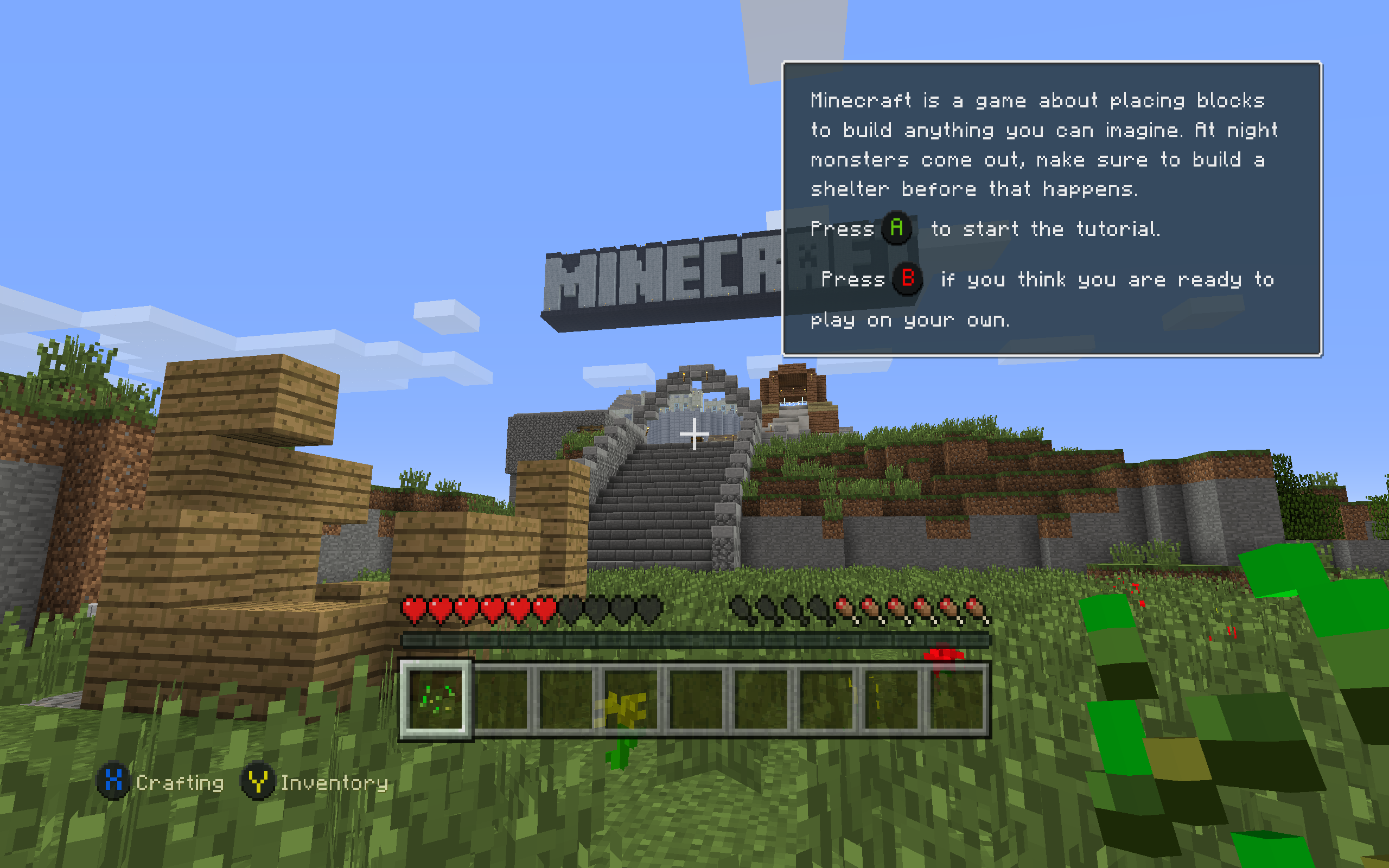
Introduction
This project contains the source code of Minecraft Legacy Console Edition v1.6.0560.0 (TU19) from https://archive.org/details/minecraft-legacy-console-edition-source-code, with some fixes and improvements applied.
Download
Windows users can download our Nightly Build! Simply download the .zip file and extract it to a folder where you'd like to keep the game. You can set your username in username.txt (you'll have to make this file) and add servers to connect to in servers.txt
Platform Support
- Windows: Supported for building and running the project
- macOS / Linux: The Windows nightly build may run through Wine or CrossOver based on community reports, but this is unofficial and not currently tested by the maintainers
Features
- Fixed compilation and execution in both Debug and Release mode on Windows using Visual Studio 2022
- Added support for keyboard and mouse input
- Added fullscreen mode support (toggle using F11)
- (WIP) Disabled V-Sync for better performance
- Added a high-resolution timer path on Windows for smoother high-FPS gameplay timing
- Device's screen resolution will be used as the game resolution instead of using a fixed resolution (1920x1080)
- LAN Multiplayer & Discovery
- Added persistent username system via "username.txt"
Multiplayer
Basic LAN multiplayer is available on the Windows build
- Hosting a multiplayer world automatically advertises it on the local network
- Other players on the same LAN can discover the session from the in-game Join Game menu
- Game connections use TCP port
25565by default - LAN discovery uses UDP port
25566 - Add servers to your server list with
servers.txt(temp solution) - Rename yourself without losing data by keeping your
uid.dat
Parts of this feature are based on code from LCEMP (thanks!)
servers.txt
To add a server to your game, create the servers.txt file in the same directory as you have Minecraft.Client.exe. Inside, follow this format:
serverip.example.com
25565
The name of your server in UI!
For example, here's a valid servers.txt
1.1.1.1
25565
Cloudflare's Very Own LCE Server
127.0.0.1
25565
Localhost Test Crap
Launch Arguments
| Argument | Description |
|---|---|
-name <username> |
Sets your in-game username. |
-fullscreen |
Launches the game in Fullscreen mode |
Example:
Minecraft.Client.exe -name Steve -fullscreen
Controls (Keyboard & Mouse)
- Movement:
WASD - Jump / Fly (Up):
Space - Sneak / Fly (Down):
Shift(Hold) - Sprint:
Ctrl(Hold) or Double-tapW - Inventory:
E - Chat:
T - Drop Item:
Q - Crafting:
CUseQandEto move through tabs (cycles Left/Right) - Toggle View (FPS/TPS):
F5 - Fullscreen:
F11 - Pause Menu:
Esc - Attack / Destroy:
Left Click - Use / Place:
Right Click - Select Item:
Mouse Wheelor keys1to9 - Accept or Decline Tutorial hints:
Enterto accept andBto decline - Game Info (Player list and Host Options):
TAB - Toggle HUD:
F1 - Toggle Debug Info:
F3 - Open Debug Overlay:
F4 - Toggle Debug Console:
F6
Build & Run
- Install Visual Studio 2022.
- Clone the repository.
- Open the project by double-clicking
MinecraftConsoles.sln. - Make sure
Minecraft.Clientis set as the Startup Project. - Set the build configuration to Debug (Release is also OK but has some bugs) and the target platform to Windows64, then build and run.
CMake (Windows x64)
cmake -S . -B build -G "Visual Studio 17 2022" -A x64
cmake --build build --config Debug --target MinecraftClient
For more information, see COMPILE.md.
Known Issues
- Native builds for platforms other than Windows have not been tested and are most likely non-functional. The Windows nightly build may still run on macOS and Linux through Wine or CrossOver, but that path is unofficial and not currently supported
Contributors
Would you like to contribute to this project? Please read our Contributor's Guide before doing so! This document includes our current goals, standards for inclusions, rules, and more.