 49ce83671d
Update UIControl_PlayerSkinPreview.cpp This file now makes each UI preview build its own HumanoidModel, according to the skin of that specific slot. Steve 64x32 preview shows Steve 64x32 Standard 64x64 preview shows Skin 64x64 Slim 64x64 preview shows Slim 64x64 |
||
|---|---|---|
| .github | ||
| .vscode | ||
| cmake | ||
| include/lce_filesystem | ||
| Minecraft.Client | ||
| Minecraft.World | ||
| x64 | ||
| .clang-format | ||
| .clang-tidy | ||
| .gitattributes | ||
| .gitignore | ||
| CMakeLists.txt | ||
| COMPILE.md | ||
| CONTRIBUTING.md | ||
| MinecraftConsoles.sln | ||
| README.md | ||
MinecraftConsoles

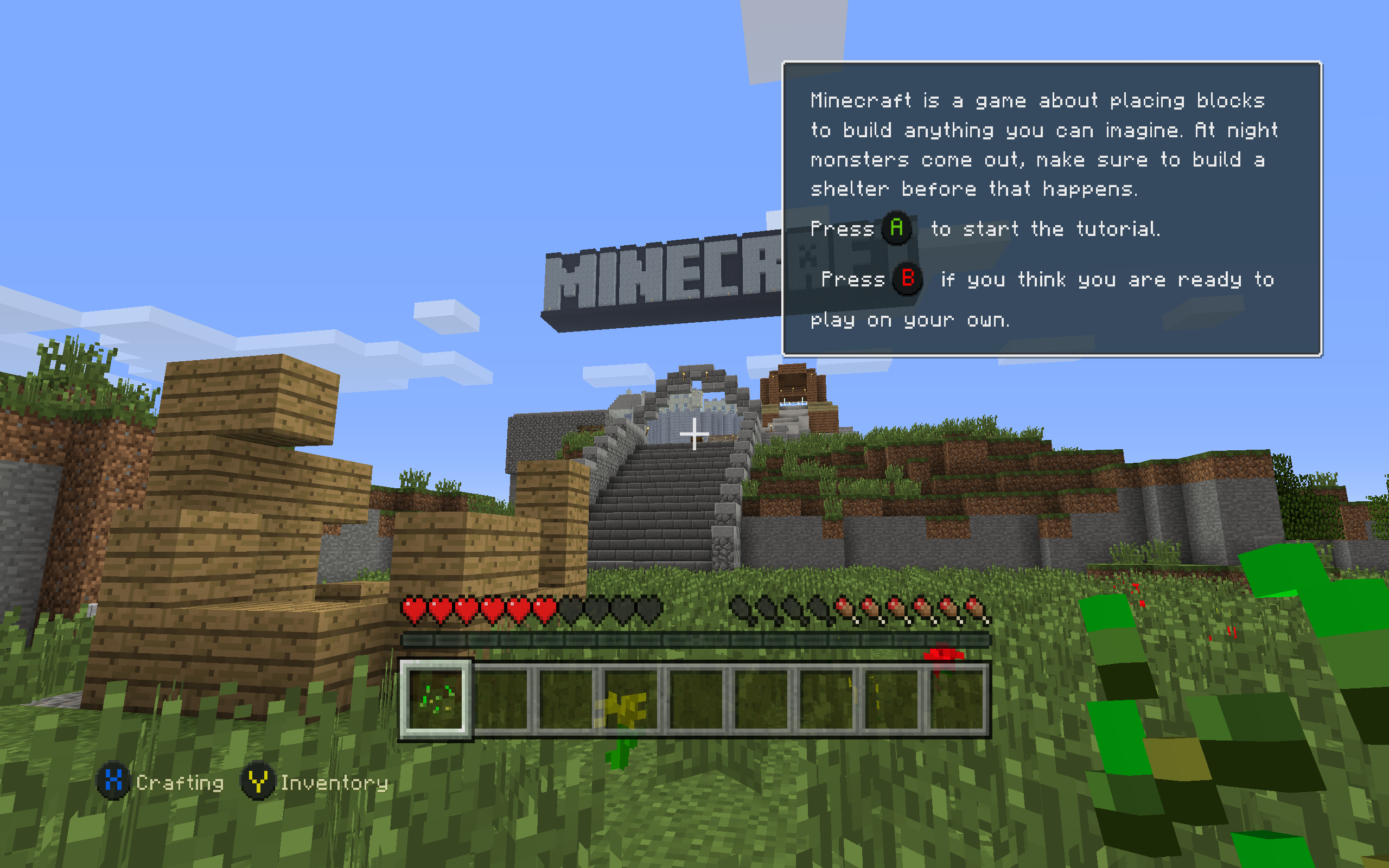
Introduction
This project contains the source code of Minecraft Legacy Console Edition v1.6.0560.0 (TU19) with some fixes and improvements applied.
Download
Windows users can download our Latest Build! Simply download the .zip file and extract it to a folder where you'd like to keep the game. You can set your username in username.txt (you'll have to make this file) and add servers to connect to in servers.txt
Platform Support
- Windows: Supported for building and running the project
- macOS / Linux: The Windows nightly build may run through Wine or CrossOver based on community reports, but this is unofficial and not currently tested by the maintainers
Features
-
Skin with flag: Steve → Steve model + 64x64 UV
-
Skin with flag: Alex → Alex model + 64x64 UV
-
Skin without flag → Classic Steve model + 64x32 UV
-
UI preview shows each skin correctly
-
The menu no longer crashes the game
Build & Run
- Install Visual Studio 2022.
- Clone the repository.
- Open the project by double-clicking
MinecraftConsoles.sln. - Make sure
Minecraft.Clientis set as the Startup Project. - Set the build configuration to Debug (Release is also OK but has some bugs) and the target platform to Windows64, then build and run.
CMake (Windows x64)
cmake -S . -B build -G "Visual Studio 17 2022" -A x64
cmake --build build --config Debug --target MinecraftClient
For more information, see COMPILE.md.
Known Issues
- Native builds for platforms other than Windows have not been tested and are most likely non-functional. The Windows nightly build may still run on macOS and Linux through Wine or CrossOver, but that path is unofficial and not currently supported
Contributors
Would you like to contribute to this project? Please read our Contributor's Guide before doing so! This document includes our current goals, standards for inclusions, rules, and more.